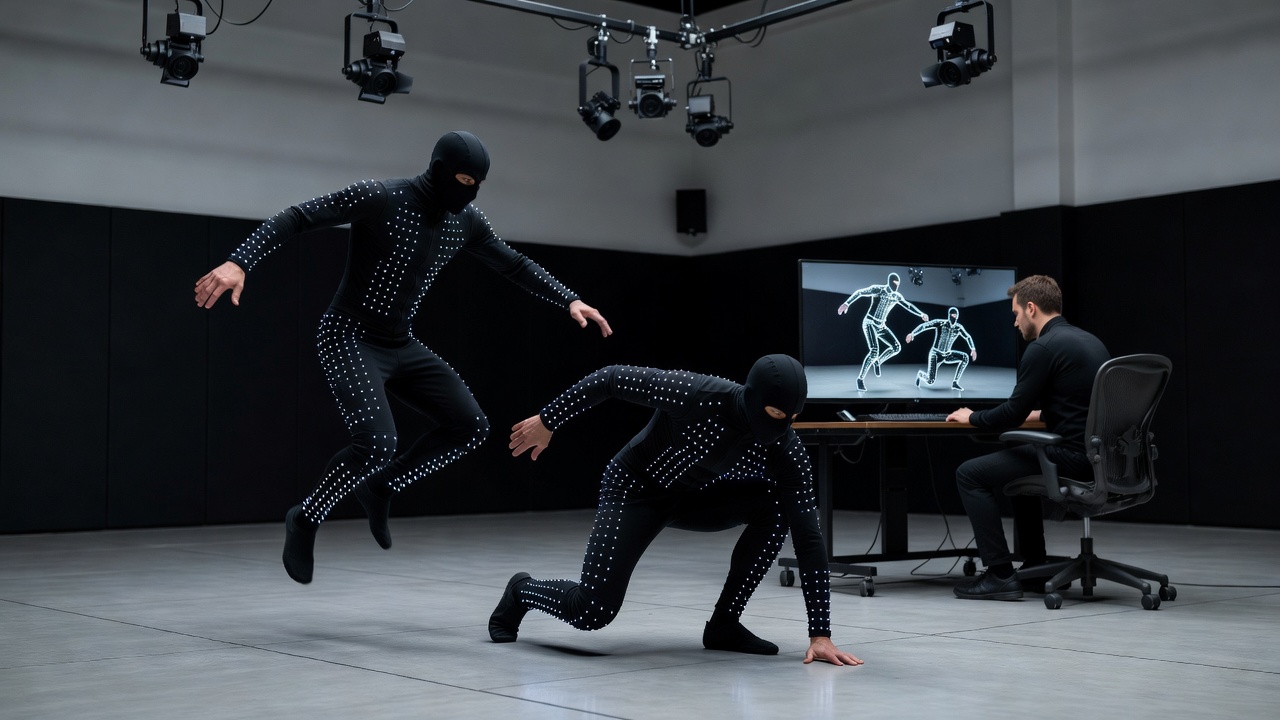
Why mocap is a skill, not a shortcut
New students sometimes assume motion capture replaces animators. In practice, it changes what animators spend their time on. Raw capture is full of jitter, foot sliding, marker swaps and performances that are slightly too long, too slow or too realistic for gameplay. Turning a take into a responsive, loopable game asset is careful animation work, and it is why mocap workshops are popular with people who already know keyframing.
Games have used captured or traced motion for a long time. Jordan Mechner rotoscoped footage of his brother for the original Prince of Persia in 1989, and modern productions from studios such as Remedy Entertainment in Finland combine extensive capture with heavy hand-keyed polish.
The main capture systems
- Optical marker systems such as Vicon and OptiTrack use many infrared cameras to track reflective markers. They are precise and standard in professional stages, but need a calibrated volume.
- Inertial suits such as Xsens and Rokoko use sensors on the body. They work almost anywhere, which makes them common in smaller studios and workshops, but can drift over long takes.
- Markerless and video-based capture estimates motion from ordinary cameras. It is improving quickly and is great for previsualisation and reference.
A good workshop usually gives hands-on time with at least one system and explains the trade-offs honestly instead of selling a single vendor.
Planning the shoot
The most underrated mocap skill is the shot list. Before anyone suits up, you list every move the state machine needs: idle variations, walk and run starts, stops in both feet, 90 and 180 degree turns, jump take-offs and landings. Each move gets notes on speed, direction and which foot leads. Performers do several takes so you can pick the best.
Workshop drill: take the five-node locomotion graph from the state machine track and write the shot list that would fill it. Most students discover they need three times more moves than expected.
Retargeting
The performer's skeleton never matches the game character exactly. Retargeting maps motion from the capture skeleton onto your rig, adjusting for different limb lengths and proportions. Autodesk MotionBuilder has long been the industry workhorse for this, and Maya's HumanIK, Blender add-ons and Unreal Engine's IK Retargeter all cover it too. Expect to fix hand contacts, foot planting and hunched spines after a retarget, especially on stylised characters.
Cleanup and editing
Cleanup is where the craft lives. Typical tasks include:
- Filtering noise without killing subtle weight shifts.
- Locking feet during contacts so they do not slide.
- Trimming and looping cycles, matching first and last poses.
- Re-timing for responsiveness: shortening anticipation exactly as you would in keyframe work.
- Adding exaggeration with animation layers so the motion reads from a gameplay camera.
Animation layers in Maya and MotionBuilder, and the NLA editor in Blender, let you add corrections on top of the raw data instead of destroying it. That non-destructive habit is one of the most valuable things a workshop can teach.
Into the engine
Once cleaned, clips are exported as FBX, imported into Unity or Unreal, and assigned to the correct skeleton. You decide whether each clip uses root motion, set loop flags, add animation notifies or events for footstep sounds and hit frames, and then hook everything into the state machine. Only now can you test whether the performance actually feels good under player control.
Safety and comfort on set
Capture sessions are physical. Responsible workshops include warm-ups, padding for falls, clear communication between director and performer, and limits on repeated high-impact moves. Respecting performers is part of professional practice, and it shows in the data.
How to practise this week
You do not need a stage to start. Many tools offer free sample capture libraries; download a run cycle and a stop, retarget them onto a free character, and clean the foot contacts. Then record yourself on a phone doing the same move and compare. Learning to see the difference between a real performance and a playable one is the core of this track.